Table of Contents
Being an indie filmmaker means being a jack-of-all-trades. One minute you’re helping rig the lighting for your moody neo-noir to get that perfect shadow, the next you’re shopping and stocking the craft services table for the cast and crew.
Wearing multiple hats doesn’t end once the camera stops rolling. For the modern video editor, finishing a project end-to-end is more common than ever. But that start-to-finish workflow demands a diverse skillset that available software hasn’t always reflected. For years, the tools have felt disconnected and uncooperative. That’s exactly the gap Adobe Premiere Pro is now trying to close with one of its most ambitious rollouts in years.
Adobe Premiere Pro – Color Mode
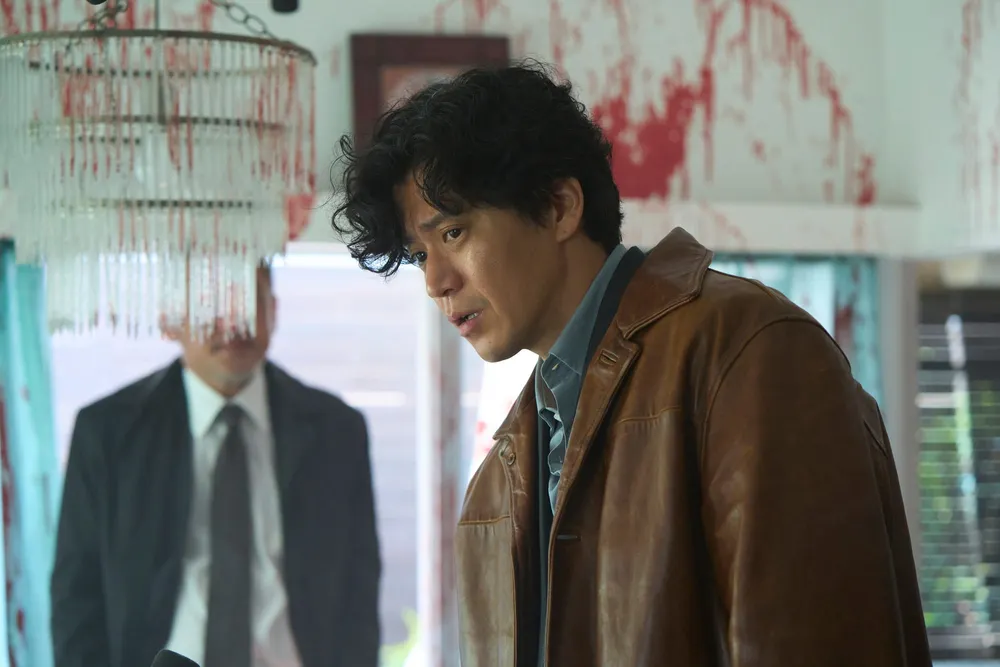
Color grading has traditionally been a step that’s either been outsourced to specialized teams or tackled by the editor themselves through the use of entirely separate software. But ask any editor, and they’ll tell you that transition has never felt seamless—and rarely intuitive.
On April 15, Adobe announced the open beta launch of “Color Mode” for PremierePro users. Color Mode acts as a one-stop color grading hub that, while robust enough to justify its own standalone application, exists entirely within the editing suite. That means everything—from importing raw footage to delivering a fully color-graded final cut—can now happen in one place, without breaking your workflow.
What makes Color Mode so compelling is its emphasis on accessibility. Adobe reportedly worked extensively with hundreds of private beta testers, with real-world practicality as a top priority, resulting in a user interface that feels intuitive and a color grading process that’s far more approachable.
Color Mode is designed so you don’t need a deep background in color theory to start refining your footage. Instead, it encourages experimentation, with adjustments tied directly to what you see on screen—all without ever leaving Premiere Pro.
For filmmakers juggling multiple roles, this level of integration has a real impact. It keeps momentum alive and removes the friction that so often slows down those crucial final steps in the filmmaking process.
As of now, Adobe plans to fully release Color Mode by the end of this year.
Frame.io Drive
If Color Mode tackles a creative problem in video editing, Adobe’s Frame.io Drive announcement offers something far less glamorous but just as essential: media management.
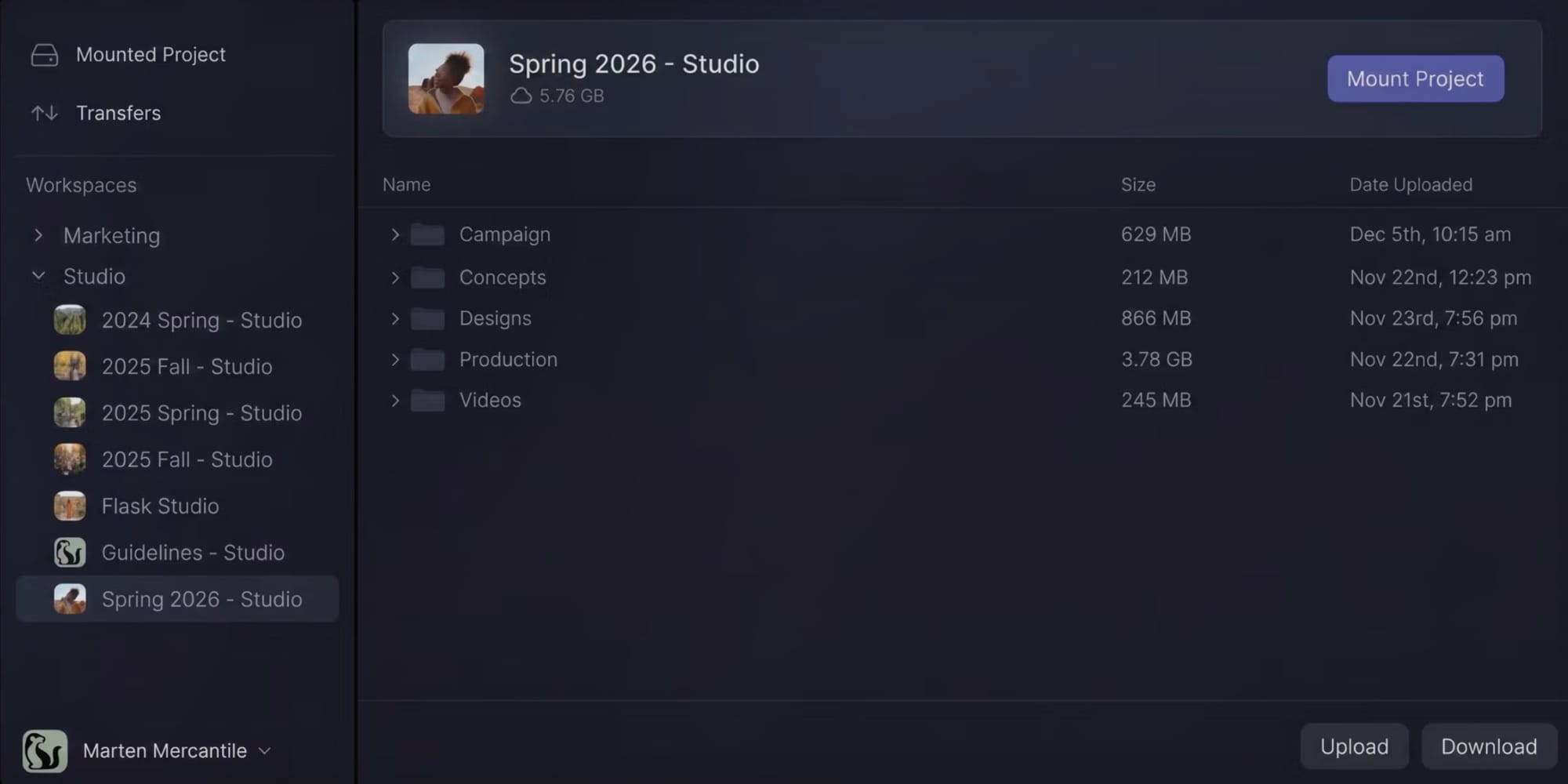
In partnership with Suite Studios, Frame.io Drive is a desktop application that gives users instant, local-level access to their files without the need to download, transfer, or sync. It works by allowing you to mount your Frame.io projects directly onto your desktop, as if they were just another hard drive plugged into your computer.
From there, the experience is designed to be seamless. The system streams media in real time while caching in the background, so it feels like everything is already stored locally—even if your DP on the other side of town just uploaded the footage moments ago.
For filmmakers, that simplicity is huge. Managing, downloading, and transporting files has always been one of the most tedious parts of the process. Frame.io Drive aims to replace that with something almost invisible, giving you and your team more time to focus on what actually matters.
As of April 15th, Frame.io Drive will roll out in phases, with a waitlist currently available.
In both of these announcements, Adobe is looking to support filmmakers in new ways while signaling a broader shift in how post-production is approached at every level. Ultimately, Color Mode and Frame.io Drive are tools designed to remove interruptions from the workflow, keeping you focused on the work itself.